How to Create a 3D Carousel / Curved Gallery Animation in After Effects
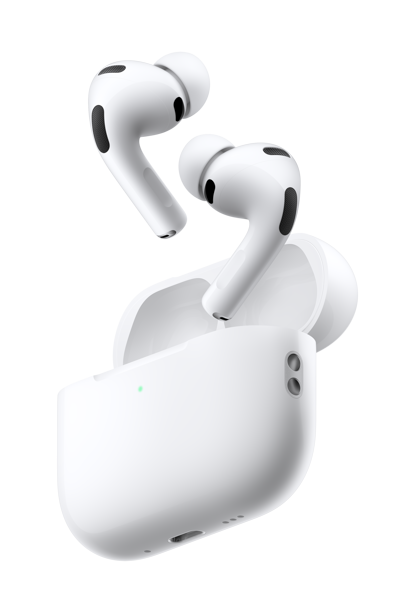
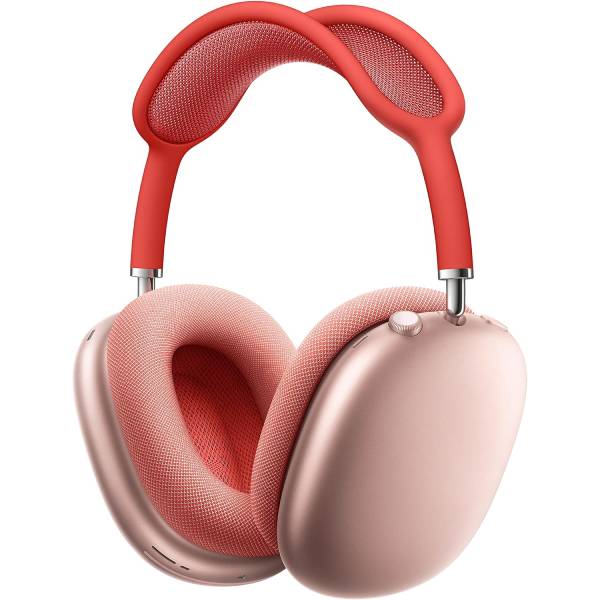
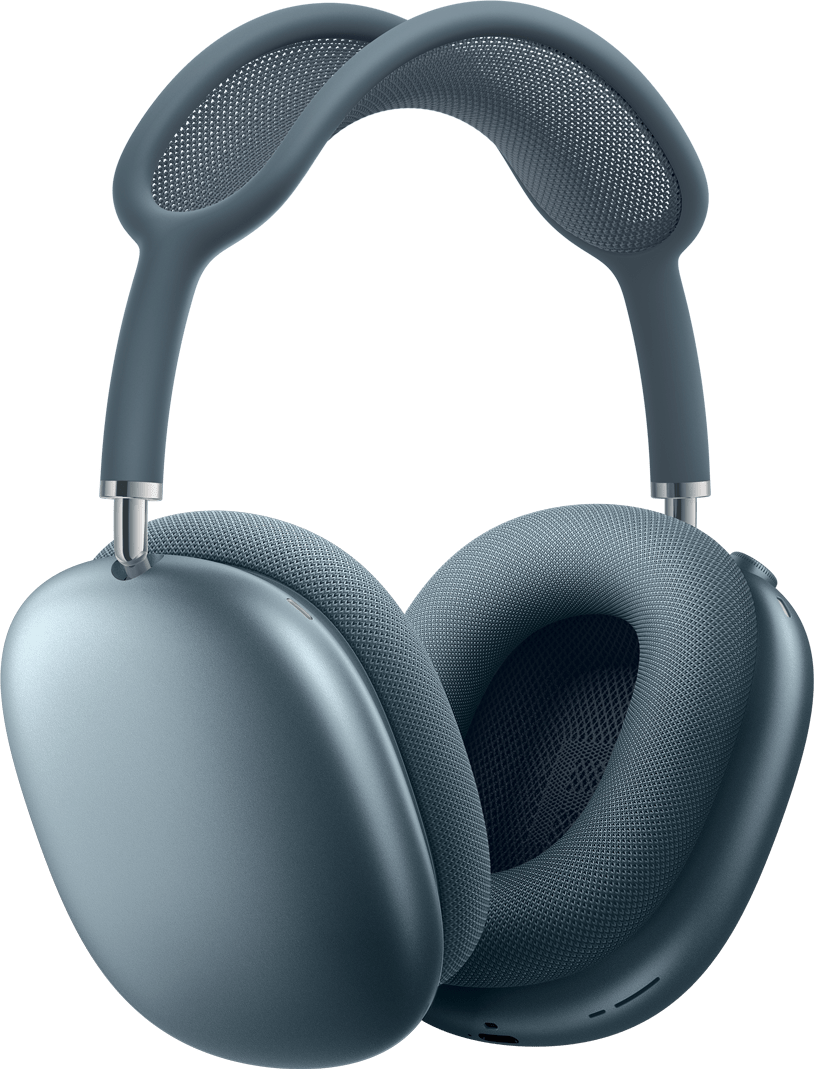
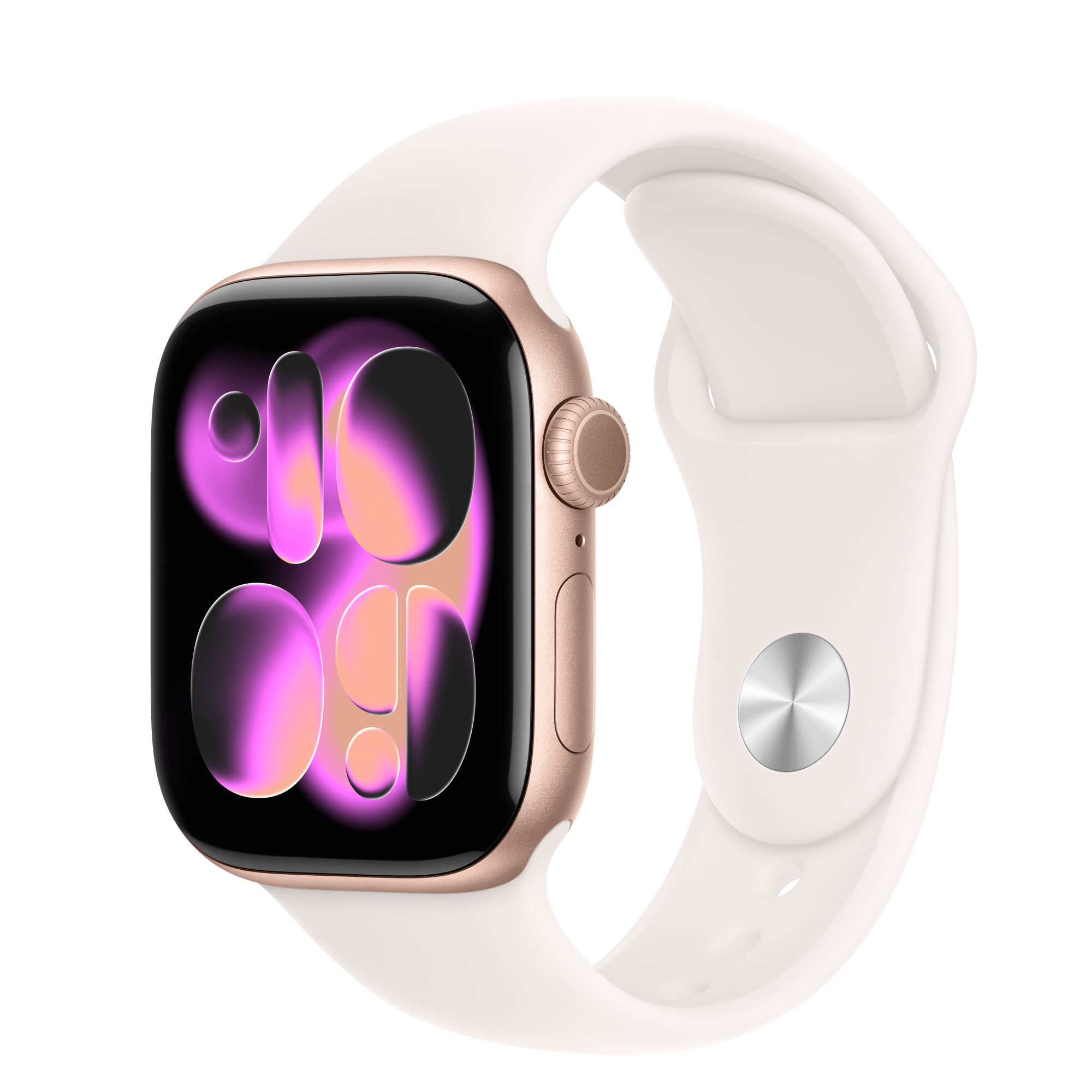
Recently, I’ve created a Linear Curved 3D Carousel Animation in After Effects, which is widely used by many of the top brands in their promotional videos to captivate the viewer’s attention. Mainly I am sharing this post to share the assets(images) used to create the 3D Linear Carousel Animation in After Effects.
To watch the 3D Carousel Animation Tutorial, Click on the link below:
In this tutorial, you’ll learn step by step how to create a stunning 3D carousel / curved gallery animation in Adobe After Effects—the same type of animation commonly used in modern UI promos, product showcases, websites, and brand videos.
This effect is perfect for:
✔ Image & video galleries
✔ App & website UI animations
✔ Product sliders
✔ Portfolio & showreels
✔ Social media & YouTube visuals
🔥 What You’ll Learn in This Tutorial:
-
How to set up a 3D curved carousel in After Effects
-
Creating a circular / curved layout using 3D layers
-
Proper camera setup for smooth depth and perspective
-
Adding realistic motion and spacing for a premium look
-
How to animate rotation smoothly for a clean carousel effect
-
Tips to customize the animation for any project
This tutorial is beginner-friendly, but also packed with pro tips that motion designers can use in real-world projects.
📌 Who Is This Tutorial For?
-
Motion Designers
-
Video Editors
-
UI / UX Animators
-
After Effects Beginners & Intermediate Users
-
Anyone looking to create modern 3D animations in After Effects
And to Download the Assets, Click on the Link below