

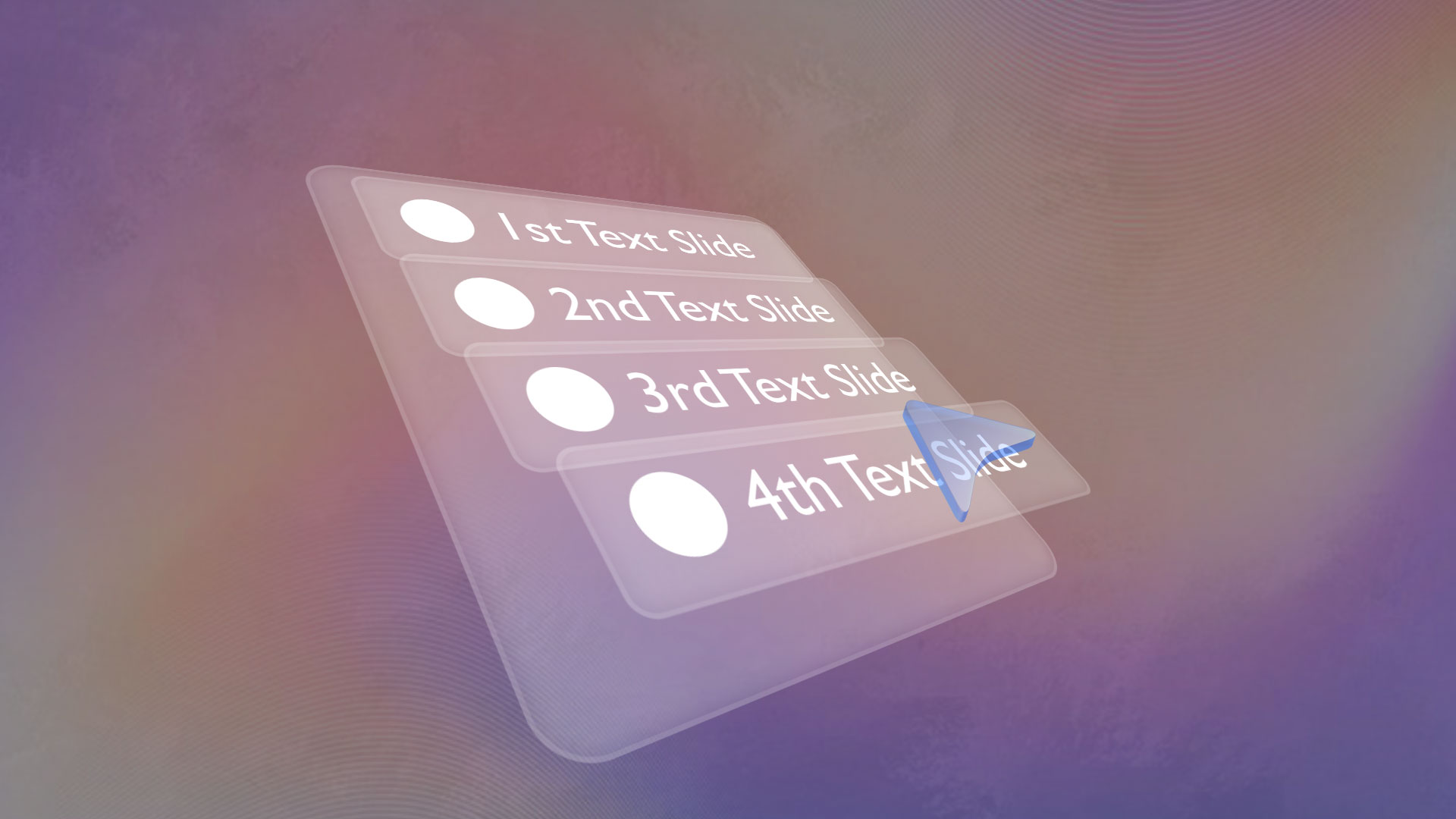
3D Glass Reactive UI Animation in After Effects
The 3D Glass reactive UI animation is quite in trend these days, bcz many of the top brands like apple, google uses these kind of amazing UI interactive animations in their promotional advertisements to captivate the attention of the audience. They look Premium and Classy, so that’s the reason why many of the top creators also started integrating these kinds of 3d UI animations in their videos.
So, I thought why not let’s recreate it inside after effects and i ended getting almost similar results. To watch the 3D Glass Reactive UI Animation tutorial in After Effects, click on the link below.
To make cursor react to the rectangle lables, i have used some expression. so that when the cursor hovers over the rectangle labels, the rectangle labels react to the cursor, which we call interactive UI animation.
And the Expression that i have used is:
ctrl = thisComp.layer(“Hover Controller”);
cursorY = ctrl.transform.position[1];
myY = transform.position[1];
// SETTINGS
hoverZ = -60; // pop depth
rowSnap = 60; // vertical hover zone (IMPORTANT)
// find nearest label in Y
labels = [“label 1″,”label 2″,”label 3″,”label 4”];
myDist = Math.abs(cursorY – myY);
nearest = true;
for (i = 0; i < labels.length; i++) {
lyr = thisComp.layer(labels[i]);
d = Math.abs(cursorY – lyr.transform.position[1]);
if (d < myDist – 1) nearest = false;
}
// hover condition
isHover = nearest && (myDist < rowSnap);
// output
z = isHover ? hoverZ : 0;
[value[0], value[1], z];

