

Viral SaaS UI Smooth Morphing Animation in After Effects
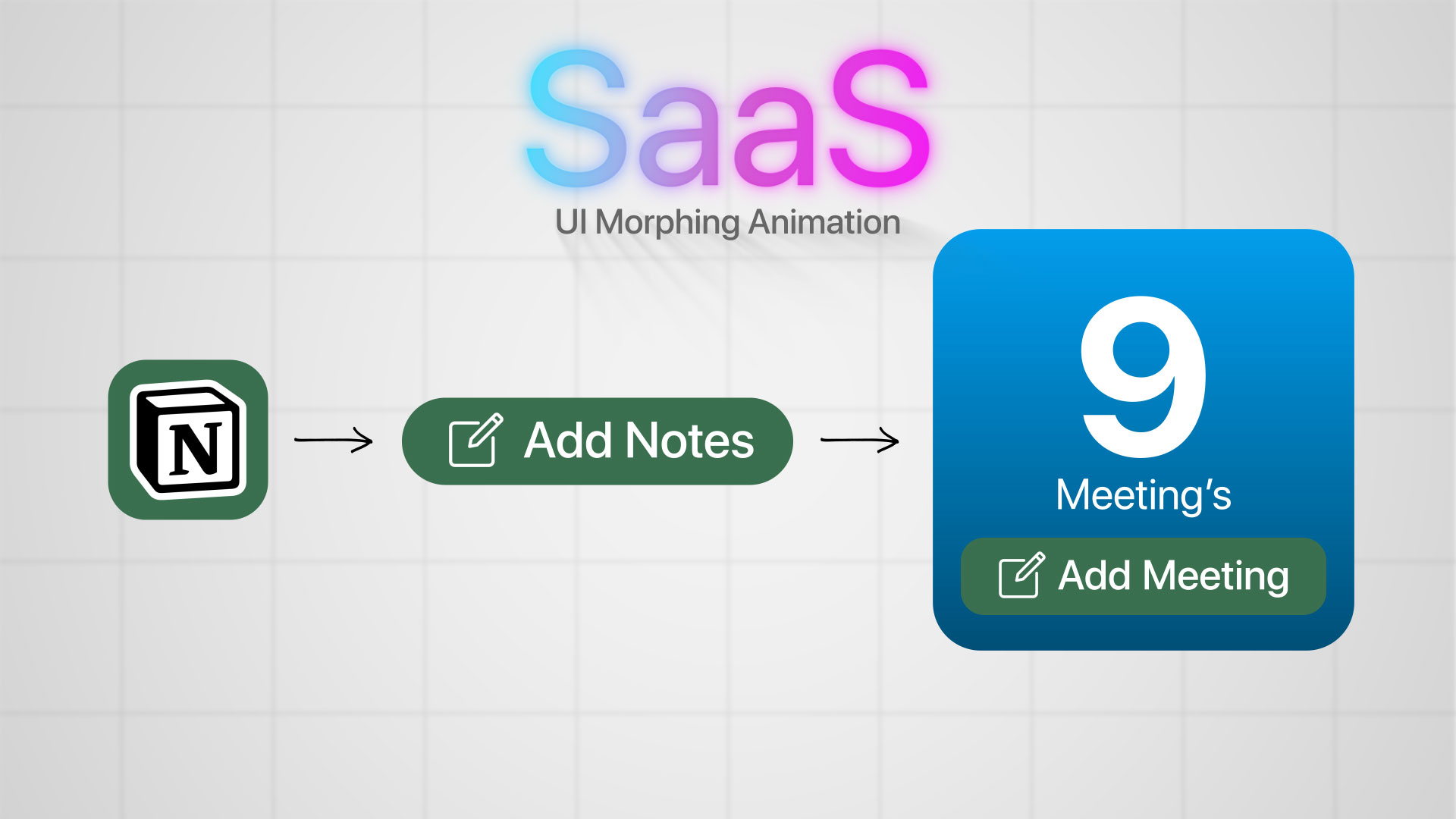
If you’ve been watching modern SaaS product videos lately, you’ve probably noticed a shift — interfaces don’t just slide or fade anymore. They morph. Buttons expand into dashboards, cards transform into full layouts, and every transition feels smooth, intentional, and premium.
This style isn’t just about looking good — it’s about communicating ideas faster. When UI elements seamlessly transform into each other, users instantly understand the flow of a product. That’s why this animation style is everywhere right now — from startup landing pages to high-end product promos.
In this tutorial, we’re diving into how to create that exact smooth morphing UI animation in Adobe After Effects.
Why Smooth Morphing Feels So Good
Traditional animations rely on position, scale, and opacity. But morphing goes a step further — it connects elements visually. Instead of cutting from one screen to another, you’re showing how one state evolves into the next.
This creates:
A clean and modern look
Better visual continuity
A more premium user experience
It’s subtle, but it makes a huge difference.
The Core Idea Behind the Effect
At its heart, smooth morphing is about shape transformation.
Instead of treating UI elements as separate objects, you design them in a way that they can transition between forms. A rectangle can become a card, a card can stretch into a full screen, and icons can evolve into functional components.
The key is:
Matching shapes
Aligning anchor points
Keeping proportions consistent
Once these are in place, the animation almost feels automatic.
Tools & Techniques You’ll Use
Inside After Effects, everything revolves around a few powerful tools:
Shape Layers – for clean, scalable UI elements
Path Animation – to morph one shape into another
Easing (Graph Editor) – to achieve that buttery smooth motion
Parenting & Timing – to keep everything perfectly synced
The magic isn’t in using complex effects — it’s in how you combine simple tools with precision.
What Makes It “Viral”
Not every animation looks viral-worthy. The difference comes down to polish.
Here’s what sets high-end SaaS animations apart:
Perfect timing (nothing feels rushed or slow)
Smooth easing curves (no robotic motion)
Consistent spacing & alignment
Minimal, distraction-free design
When all of these come together, the animation feels effortless — and that’s exactly what grabs attention.
Where You Can Use This Style
Once you learn this technique, you can apply it everywhere:
SaaS product demos
App promo videos
UI/UX case studies
Landing page animations
Social media motion posts
It’s one of those skills that instantly makes your work look more expensive and professional.
Final Thoughts
Smooth morphing UI animation isn’t about flashy effects — it’s about clarity and flow. When done right, your animation doesn’t just look good… it feels right.
And that’s what makes people stop scrolling.
If you’re serious about motion design, mastering this style will give you a huge edge — especially in today’s world of clean, modern, SaaS-driven visuals.
Now open After Effects, and start building something smooth. 🚀

